iPhone / iPad
- 1
Open this page in Safari.
- 2
Tap Play in browser (or Share › Add to Home Screen for full screen).
- 3
Turn your phone sideways (landscape).
- 4
Tap the screen once to enable sound — the silent switch mutes the game.
Needs iOS 16.4+.
Pixel-art roguelite
Survive the night. Hunt what hunts you.
A free survivors-style roguelite for your phone.
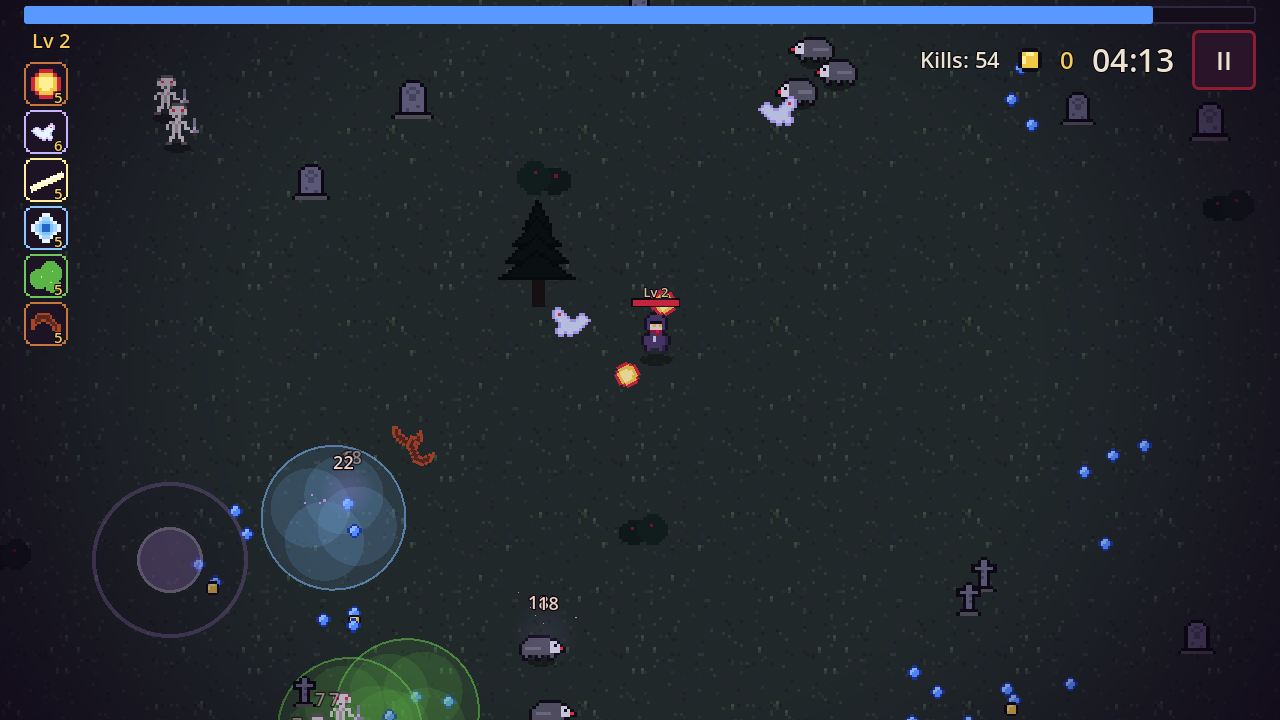
Before your first run
Open this page in Safari.
Tap Play in browser (or Share › Add to Home Screen for full screen).
Turn your phone sideways (landscape).
Tap the screen once to enable sound — the silent switch mutes the game.
Needs iOS 16.4+.
Tap Play in browser (Chrome works best).
Turn your phone sideways (landscape).
Tap the screen once to enable sound.
You can also add this page to your home screen for full screen.
Click Play in browser (Chrome, Edge, Firefox or Safari).
Click once to start the sound.
Move with WASD or the arrow keys, Esc or P pauses, use the mouse for menus.
On level-up press 1–3 to pick, R reroll, B banish, X skip.
What awaits
Just move — your weapons fire themselves.
19 weapons, 6 evolutions and 5 mythics.
Each with their own weapon and bonus.
The Graveyard and the Monastery.
Brutal encounters at 5, 10 and 15 minutes.
Spend coins on permanent upgrades between runs.
From the night
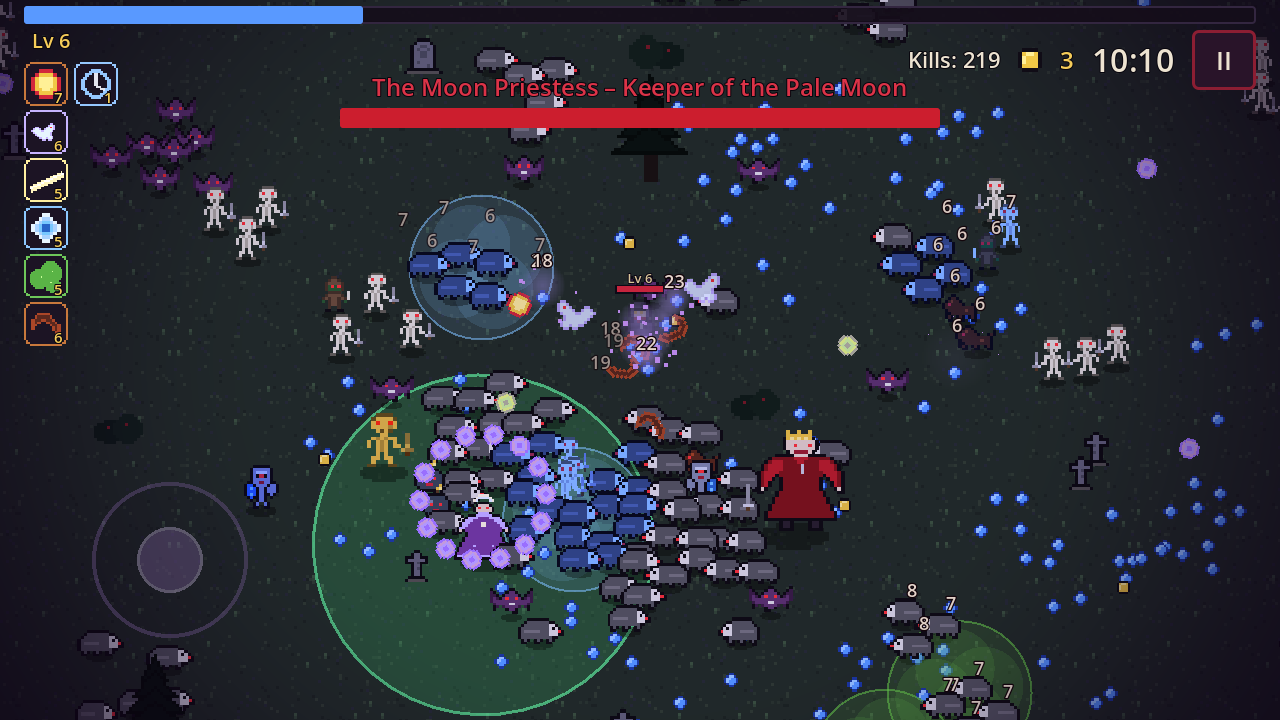
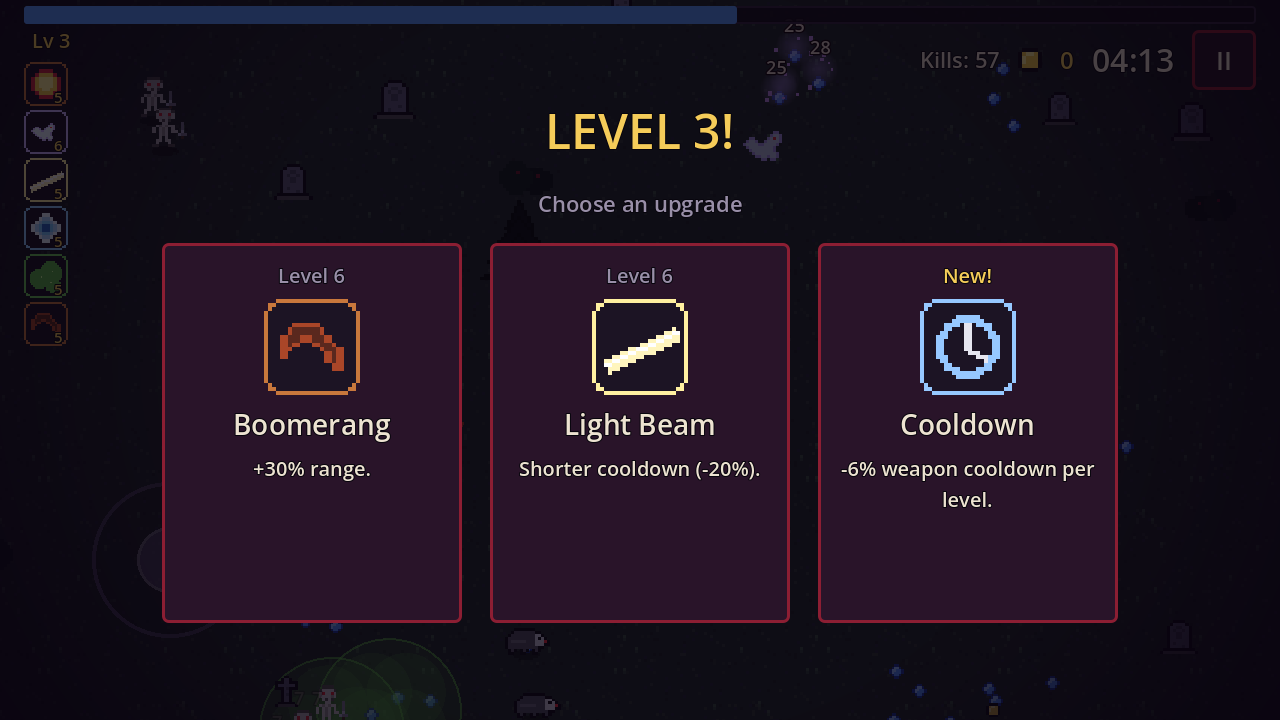
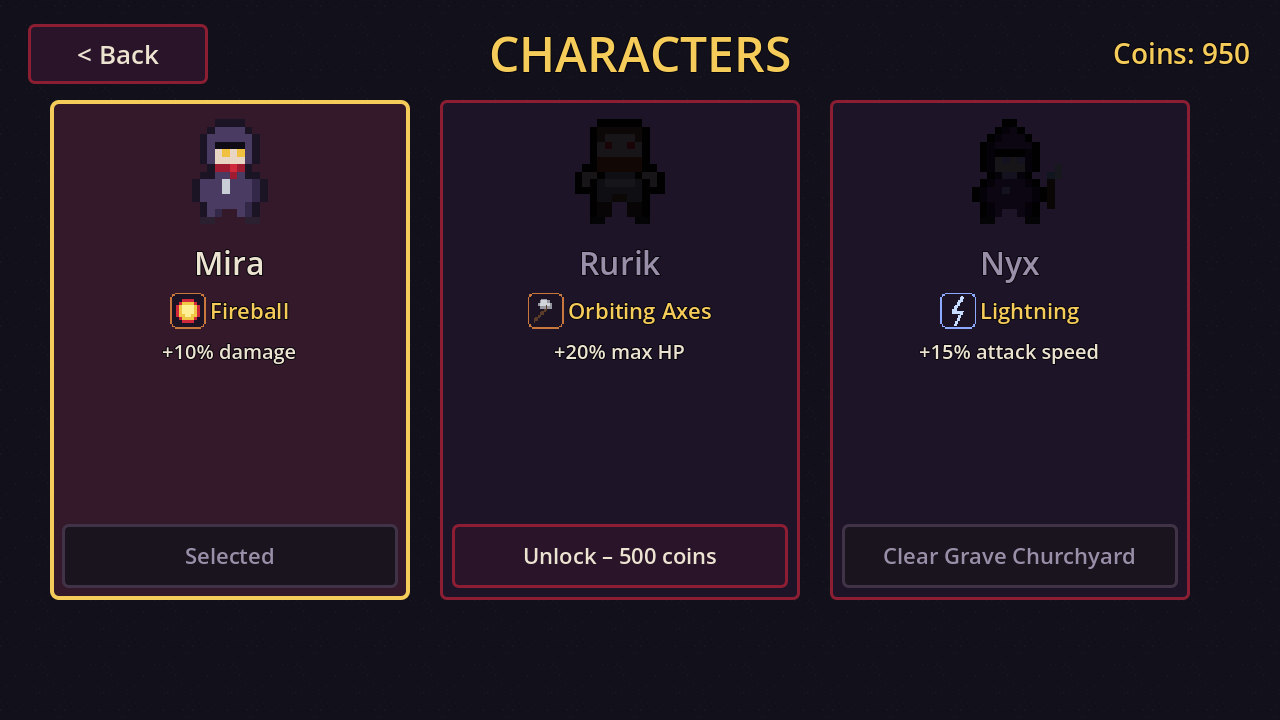
Swipe to see more →
Pocket-sized horror
Open this page in Safari.
Tap Play in browser.
Tap Share, then “Add to Home Screen”.
Rotate your phone to landscape and play.
It launches full-screen from your home screen, just like a real app.
Open Night Hunter in Chrome and tap Play in browser. Turn your phone sideways for the best experience.